Digital — Field report TQL-TEC-630
Rules Reversed: The Password Advice That Was Withdrawn and What Replaced It
Guidance changed once researchers started looking at what people actually did in response to the rules rather than what the rules were meant to achieve.
Ask somebody who investigates account takeovers which piece of familiar security advice they would most like to see disappear, and the answer is rarely about weak passwords. Guidance in this area has changed more than most people realize, and it changed for a specific reason: researchers began looking at what users actually did in response to a rule rather than at what the rule was designed to achieve. Measured that way, almost every requirement a generation of us was taught turned out to push people toward worse passwords rather than better ones.
Scheduled Expiration, Which Taught People to Increment
Changing your password every ninety days was standard everywhere for years, and what it reliably produced was a pattern. People appended a digit and incremented it, or swapped one character for a lookalike, so anybody holding last quarter's password could work out this quarter's without much effort. The requirement was creating the weakness it existed to prevent. So the rule went away, and federal agencies now work from password requirements written at the National Institute of Standards and Technology that force a change only where there is evidence a credential has actually been exposed.
The replacement principle is simpler to live with. A strong unique password left alone beats a weak one rotated every quarter, because the thing that protects an account is the difficulty of guessing the credential rather than the freshness of it. Rotation still has a place, and that place is the moment you learn something has leaked, at which point it should happen immediately and everywhere the same credential was used rather than on the schedule a calendar reminder happens to suggest.
Composition Rules, Which Produced a Narrow Set of Transformations
Requiring special characters, mixed case and numbers was meant to force variety. What it forced instead was a predictable set of substitutions, since everybody reaches for the same ones, puts the capital at the front, and puts the number and the exclamation mark at the end. Length turned out to matter far more than character variety, because a long passphrase built from ordinary words resists attack better than a short knot of symbols and has the additional advantage that a human being can remember it.
The current rule is a minimum length with no composition requirement, paired with blocking passwords already known to be compromised. For the handful of credentials you have to type from memory, such as the one unlocking a password manager, the practical version is four or five unrelated words strung together, where unrelated is the operative word. A phrase from a song or a book is already sitting in the wordlists attackers use. Words with no reason to appear next to each other give you something long, memorable and genuinely difficult to guess.
Security Questions, Which Are Answerable by Strangers Now
Knowledge based recovery was built for a period when nobody could look up your first pet, your mother's family name or the block you grew up on, and all of it is findable now, most of it because we posted it ourselves. The replacement is to stop treating those answers as facts and start treating them as second passwords: generate a random string for each one and store it in the password manager alongside the credential it protects.
Nothing requires the answer to be true. A made up answer stored securely is far stronger than a real one that anybody willing to spend twenty minutes could assemble from public sources, and it removes an entire category of attack that bypasses the password completely. This is one of the cheapest changes available, since it costs nothing beyond the seconds spent generating the string, and it closes a door most people do not realize is standing open behind them.
Never Writing It Down, Which Guaranteed Reuse
That advice made sense when the threat was a coworker reading a sticky note. It stopped making sense once the threat became credential stuffing across hundreds of sites, because no human being memorizes hundreds of unique strings and will therefore reuse a handful of them everywhere. Writing them down is now acceptable, with the important qualification that where you write them decides whether it helps. A password manager is the right answer, a notebook in a locked drawer at home is a defensible one for somebody who will not use software, and a note file on a shared computer is neither.
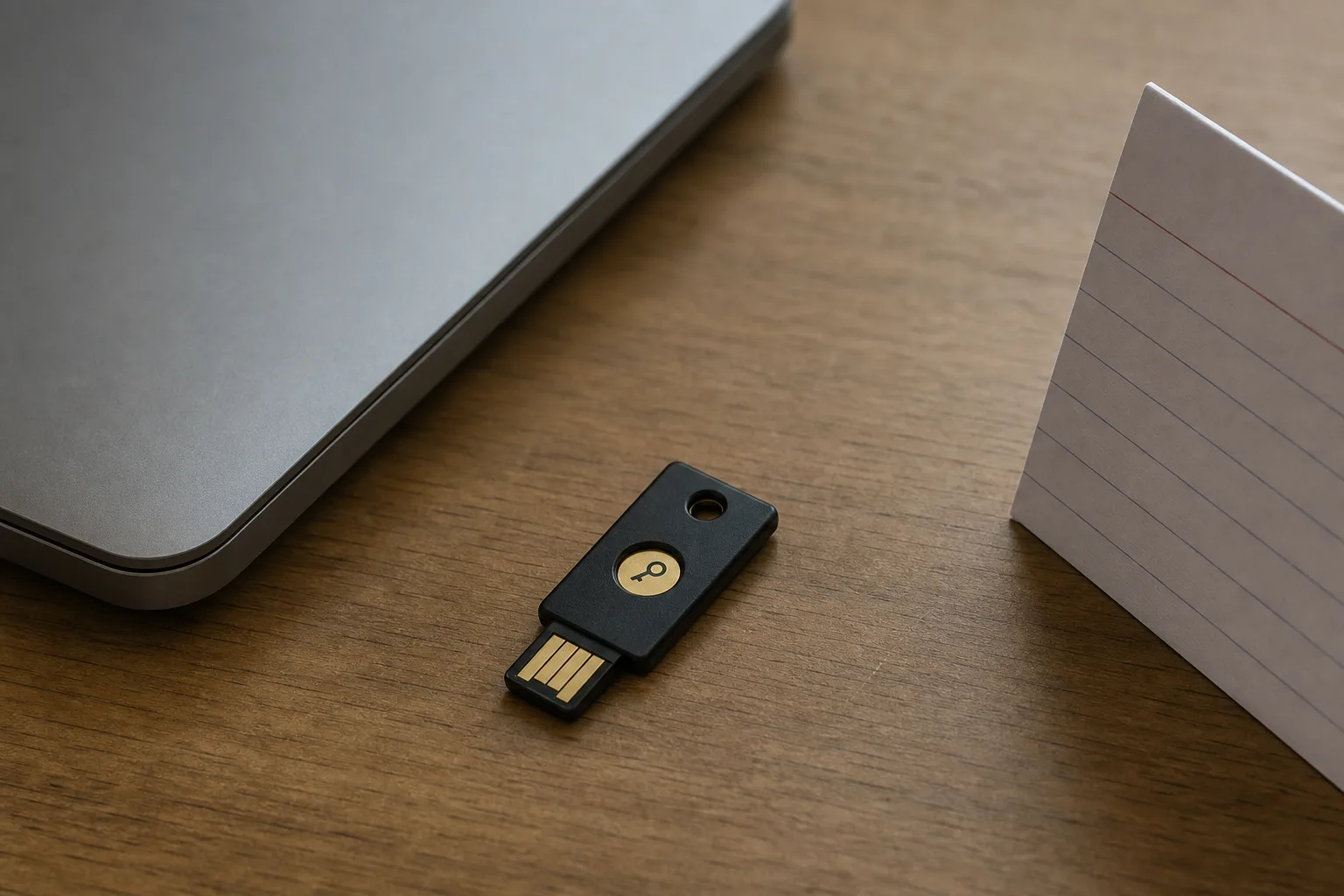
The same reversal reaches the second factor. Codes sent by text were an enormous improvement over nothing and remain much better than nothing, and what changed is that account takeover through number porting became common enough that current guidance treats texted codes as the weakest of the available second factors. The ladder runs roughly from text message, to an authenticator app generating time based codes, to a hardware key or a passkey, and the accounts worth moving up it first are your email and your primary financial ones, because those are the accounts capable of resetting everything else.
The Password Itself, Which Is No Longer the Weak Point
This is the largest reversal of the set. For most households the password has stopped being the vulnerable part, and what replaced it is reused credentials surfacing from other breaches, an email account able to reset everything, and account recovery flows that go around the password entirely. Attackers work through recovery far more often than they work through the front door, which means the highest value hour available to you is not spent on password strength at all.
It is spent making the recovery path secure: a long unique password and a hardware backed second factor on the email account, recovery codes printed and stored somewhere physical, and a check of which phone number and backup address are currently on file for the accounts that matter. Passkeys are where this is heading, since a passkey replaces the password with a key held on your device and unlocked by a fingerprint, face or device passcode, which means there is nothing to type and therefore nothing to phish. Support across sites is uneven, so treat it as something to switch on wherever it is offered rather than a project to complete.
The Hour That Covers Most of It
Three things, in this order, and they take about an hour between them. Install a password manager and let it generate and store new credentials as you log into things over the following weeks, rather than attempting to migrate two hundred accounts in one sitting, which nobody finishes. Secure the primary email account properly today, with a long unique password, an authenticator app or hardware key, and recovery codes stored offline. Then check reuse, since most managers will show which stored credentials are duplicated and fixing the top ten repeats captures most of the benefit of fixing all of them.
One more item belongs to the household rather than to you alone, which is writing down where the recovery codes live and who else could reach them if you were unavailable for a month. A manager with an emergency access contact configured handles that in about ten minutes and converts a security setup from something one person operates into something the house can. None of this asks anybody to become a specialist. It asks for letting go of a set of rules that were reasonable when they were written, and adopting the shorter list that turned out to work on actual people.